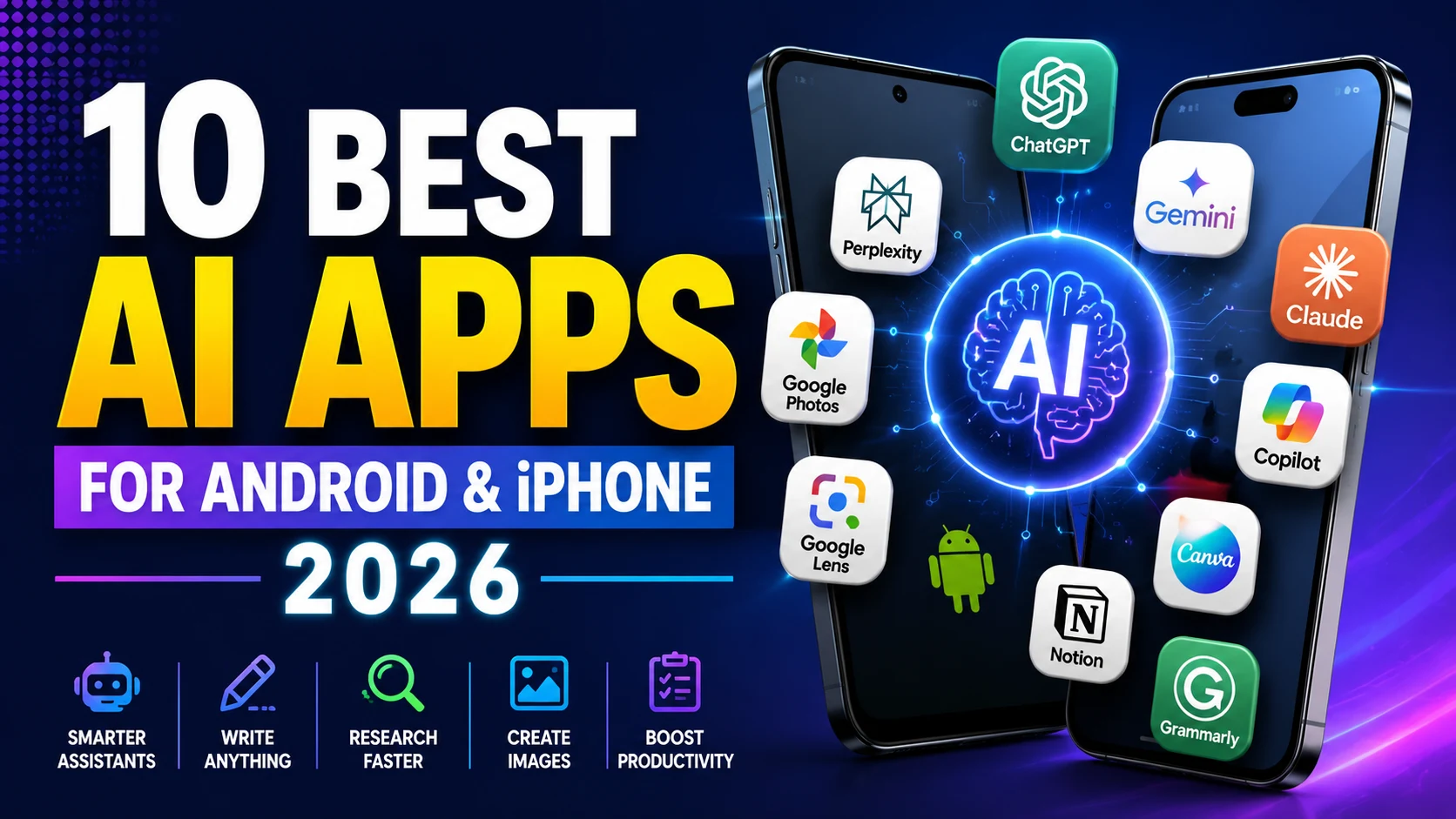
Artificial intelligence has become much more useful on smartphones. AI apps can now help you write emails, summarize documents, research topics, understand photos, brainstorm ideas, organize work, generate images and even have natural voice conversations.
But with so many AI apps available, choosing the right one can be confusing.
In this guide, we look at 10 of the best AI apps for Android and iPhone in 2026, what each one is best at, and how to decide which AI assistant fits your needs.
Best AI Apps for Android and iPhone: Quick Comparison
| AI App | Best For | Android | iPhone |
|---|---|---|---|
| ChatGPT | Best overall AI assistant | Yes | Yes |
| Google Gemini | Google ecosystem & Android | Yes | Yes |
| Claude | Writing & detailed reasoning | Yes | Yes |
| Microsoft Copilot | Microsoft productivity | Yes | Yes |
| Perplexity | AI-powered research | Yes | Yes |
| Canva | AI design & graphics | Yes | Yes |
| Grammarly | Writing assistance | Yes | Yes* |
| Notion | Notes & productivity | Yes | Yes |
| Google Photos | AI-powered photo tools | Yes | Yes |
| Google Lens | Visual search & recognition | Yes | Yes |
*Features and availability can vary by device, operating system, region and subscription.
1. ChatGPT — Best Overall AI App
Best for: Everyday AI assistance, writing, brainstorming and problem-solving
ChatGPT is one of the most versatile AI assistants available on smartphones.
You can use it to ask questions, rewrite text, brainstorm ideas, summarize information, understand images, work with files and get step-by-step explanations.
Its mobile experience is particularly useful when you want to interact with AI using your phone rather than sitting at a computer.
What can you do with ChatGPT?
You can use ChatGPT for tasks such as:
- Writing and rewriting text
- Brainstorming ideas
- Summarizing information
- Understanding photos and documents
- Learning new subjects
- Planning trips and activities
- Getting help with everyday questions
- Voice conversations
- Generating images where supported
OpenAI provides an official ChatGPT Android app through Google Play.
Best choice for: People who want one general-purpose AI assistant for many different tasks.
2. Google Gemini — Best for Android and Google Users
Best for: Google services, Android integration and multimodal AI
Gemini is particularly useful if you already use Google’s ecosystem.
The Gemini mobile app can work with text, voice, images and your phone’s camera. Google also integrates Gemini with services such as Gmail, Google Drive, Maps and other supported Google apps.
On compatible Android devices, Gemini can also function as the phone’s primary assistant.
Google also provides a dedicated Gemini app on iOS, so it isn’t limited to Android users.
Gemini is useful for:
- Asking questions
- Writing and brainstorming
- Summarizing information
- Understanding images
- Voice conversations
- Getting information from supported Google services
- Planning using Maps and other Google tools
- Generating images
Best choice for: Android users and people heavily invested in Google services.
If your Android phone has been feeling sluggish while using demanding apps, see our guide on how to make a slow Android phone faster.
3. Claude — Best for Writing and Long-Form Work
Best for: Writing, document analysis and thoughtful responses
Claude is an AI assistant developed by Anthropic.
It is particularly useful for people who work with longer pieces of text. You can use it for drafting, rewriting, brainstorming, analyzing documents and explaining complicated information.
Claude can be a good alternative to ChatGPT or Gemini when your work involves substantial reading or writing.
Claude is useful for:
- Long-form writing
- Editing articles
- Summarizing documents
- Brainstorming
- Explaining complex subjects
- Analyzing uploaded material
- Coding assistance
Best choice for: Writers, students and professionals who frequently work with longer documents.
4. Microsoft Copilot — Best for Microsoft Users
Best for: Microsoft ecosystem and everyday productivity
Microsoft Copilot combines an AI assistant with Microsoft’s broader productivity ecosystem.
It can help with questions, writing, brainstorming, research and other everyday tasks. Copilot becomes particularly interesting for people already using Microsoft services.
Copilot can help with:
- Drafting text
- Summarizing information
- Brainstorming
- Answering questions
- Research
- Productivity tasks
- AI-generated content
Best choice for: People who regularly use Microsoft products and services.
5. Perplexity — Best AI App for Research
Best for: Research and finding information on the web
Perplexity takes a somewhat different approach from a traditional chatbot.
It focuses heavily on answering questions using information found on the web and presenting sources alongside its answers.
That makes it useful when you want to investigate a topic rather than simply generate text.
Perplexity is useful for:
- Researching topics
- Finding sources
- Comparing information
- Getting quick explanations
- Following current topics
- Asking follow-up research questions
You should still open important sources yourself and verify information before using it for academic, medical, financial or other important decisions.
Best choice for: Students, researchers and anyone who regularly searches for information online.
6. Canva — Best AI App for Design
Best for: Social graphics, presentations and visual content
Canva isn’t primarily an AI chatbot. Instead, it incorporates AI tools into a popular visual-design platform.
That makes it useful for people who need to create graphics without learning professional design software.
Depending on the feature and plan available to you, Canva’s AI tools can assist with creating or editing visual content, presentations and designs.
Canva is useful for:
- Social-media graphics
- Presentations
- Posters
- Thumbnails
- Image editing
- Marketing graphics
- AI-assisted design
Best choice for: Creators, marketers, bloggers and small businesses.
7. Grammarly — Best AI App for Improving Writing
Best for: Grammar, rewriting and improving written communication
Grammarly is useful when your main reason for using AI is improving your writing.
Instead of functioning only as a standalone chatbot, Grammarly focuses on helping users improve text while they work.
It can be useful for emails, documents, professional communication and other writing tasks.
Grammarly can help with:
- Grammar
- Spelling
- Sentence clarity
- Rewriting
- Tone
- Conciseness
- Professional communication
Best choice for: Students, professionals and anyone who writes frequently on their phone.
8. Notion — Best AI App for Notes and Productivity
Best for: Notes, workspaces, tasks and AI-assisted productivity
Notion combines documents, notes, databases and productivity tools in one workspace.
Its mobile app is available for both iOS and Android, and Notion provides several ways to access AI functionality from mobile devices.
In 2026, Notion has expanded its mobile AI capabilities further, including AI Notes and mobile Agent functionality.
Notion AI can be useful for:
- Summarizing notes
- Drafting documents
- Organizing information
- Working with project information
- Brainstorming
- Meeting notes
- Searching workspace knowledge
Some advanced AI functionality depends on your Notion plan and usage allowance.
Best choice for: People who want AI integrated into their notes and productivity system.
9. Google Photos — Best for AI Photo Features
Best for: Organizing, searching and editing photos
Google Photos uses machine learning and AI throughout its photo-management experience.
Rather than being a general AI assistant, its strength is working with the photos already stored on your phone or Google account.
Depending on your device, account and region, its intelligent features can help with photo search, organization and editing.
Google Photos is useful for:
- Finding old photos
- Organizing your photo library
- Smart photo search
- Photo editing
- Removing or changing distracting elements with supported tools
- Creating memories and collections
Best choice for: People who want intelligent tools for managing smartphone photos.
10. Google Lens — Best for Visual Search
Best for: Identifying and understanding things around you
Google Lens is one of the most practical AI-powered tools you can have on a smartphone.
Instead of typing a search query, you can point your camera at something or use an existing photo.
Lens can then help you identify objects, understand text and search visually.
Google Lens can help you:
- Identify objects
- Search using photos
- Copy text from images
- Translate visible text
- Identify plants and products
- Find visually similar items
- Learn more about landmarks and places
Best choice for: Anyone who frequently searches for information based on what they can see.
Which AI App Should You Choose?
There isn’t one AI app that is best for every person.
If you want a versatile assistant that can handle many different kinds of tasks, ChatGPT is a strong starting point.
If you’re deeply connected to Android, Gmail, Drive, Maps and other Google services, Gemini can be particularly convenient. Google’s current mobile documentation confirms integrations with supported Google services and multimodal interaction through text, voice, photos and camera input.
For writing and long documents, consider Claude. For web-focused research, try Perplexity. If you spend much of your day organizing notes and projects, Notion may make more sense.
You don’t necessarily need all 10 apps. For most users, choosing two or three apps that solve different problems is more practical.
Installing several large AI apps can also consume considerable space over time. If storage is getting tight, see how to free up storage on iPhone without deleting important data.
Are AI Apps Free?
Most popular AI apps offer some level of free access, but the exact limits vary.
Premium plans may provide access to more capable AI models, higher usage limits, additional storage or advanced tools.
Because AI services change quickly, check the app’s current pricing page before subscribing.
Also avoid downloading unofficial “premium unlocked,” modified or cracked versions of AI apps. Install apps from official sources such as Google Play, Apple’s App Store or the developer’s official website.
Are AI Apps Safe to Use?
AI apps can be useful, but you should think carefully about what information you share with them.
Avoid entering passwords, banking credentials or other highly sensitive information unless you fully understand how the service handles that information.
AI can also make mistakes.
Google explicitly warns users that Gemini can produce inaccurate information and recommends double-checking its responses. The same general rule is sensible for any generative AI system.
For important medical, legal, financial or safety decisions, verify information using qualified professional or authoritative sources.
Frequently Asked Questions
What is the best AI app for Android in 2026?
There is no single best option for everyone. ChatGPT is a strong general-purpose choice, while Gemini is particularly useful for people who want deeper integration with Android and supported Google services.
What is the best AI app for iPhone?
ChatGPT, Gemini, Claude and several other major AI services are available to iPhone users. Your best option depends on whether you prioritize general AI assistance, writing, research or productivity.
Which AI app is best for students?
ChatGPT, Gemini, Claude and Perplexity can all be useful for learning and research. Students should use AI to understand material rather than simply submitting AI-generated work as their own.
Which AI app is best for research?
Perplexity is particularly focused on web research and sources. ChatGPT, Gemini and Claude can also assist with research depending on the tools and features available to your account.
Can I use more than one AI app?
Yes. In fact, using different apps for different purposes can be more useful than relying on a single service.
Do AI apps work offline?
Most advanced generative AI features require an internet connection because much of the processing takes place on remote servers. Some smartphones also provide on-device AI capabilities that can work without sending every task to a cloud service.
Final Thoughts
The best AI app is the one that actually saves you time.
For general everyday assistance, ChatGPT is an excellent place to start. Gemini is especially compelling for Google and Android users, while Claude is worth considering for writing and document-heavy tasks. Perplexity focuses on research, Canva on design, and Notion on productivity.
Rather than installing every AI app you find, start with one or two. Learn what they do well, understand their privacy settings, and expand only when another app solves a problem your existing tools cannot.
As AI apps evolve rapidly, features, availability and pricing mentioned in this guide may change over time.